

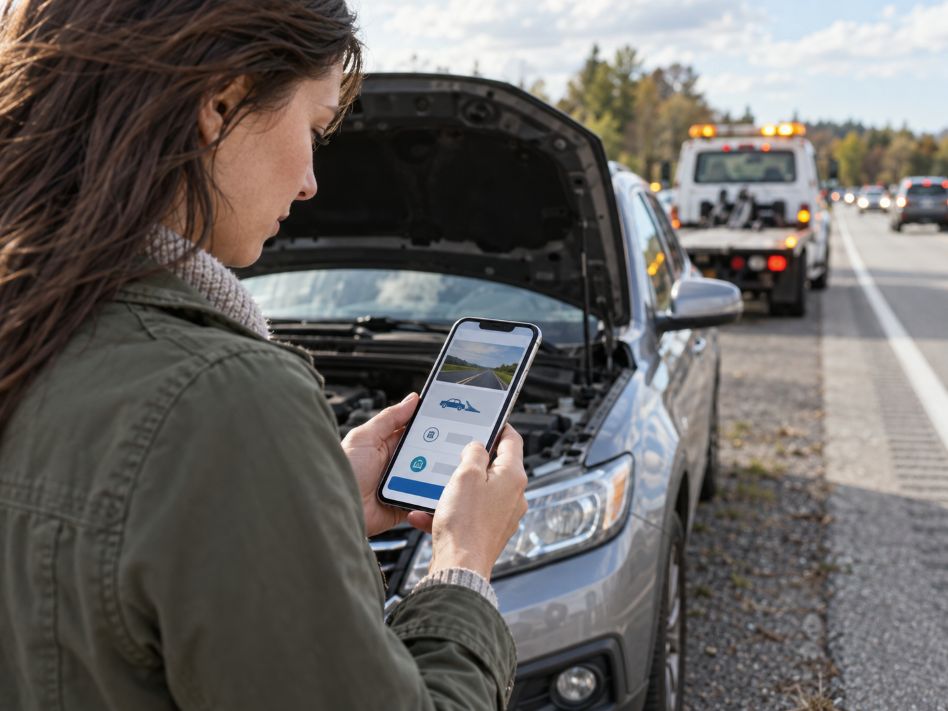
Emergency service websites have one central job: help people find essential information and take action quickly. A visitor dealing with a vehicle breakdown, plumbing problem, electrical fault, or similar situation may have little patience for complicated menus or slow pages. Google Search Central recommends creating mobile-friendly websites and using responsive design so pages work across different screen sizes.
Location also shapes how people look for urgent help. Someone searching for san jose towing, for example, is expressing a specific service and geographic need. Google Business Profile guidance explains that service-area businesses can define the cities, postal codes, or other areas they serve, helping customers understand whether assistance is available in their location.
1. Mobile Responsiveness Comes First
A responsive WordPress theme should adapt to phones, tablets, and desktop computers without forcing visitors to zoom or scroll sideways. This matters for any local business, but it becomes especially important when someone is searching while standing beside a disabled vehicle or dealing with an urgent problem away from home.
Google Search Central uses the mobile version of website content for indexing and ranking through mobile-first indexing. Google also recommends responsive web design because the same URL and HTML can serve different screen sizes.
WordPress site owners should test buttons, menus, phone numbers, and forms on several screen sizes. Important information should remain visible without requiring several taps.
2. Click-to-Call Functionality Removes Extra Steps
Emergency websites should make phone contact easy. A visible call button lets mobile visitors start a call without copying a number or switching between apps.
Placement matters as much as the button itself. The phone option should be easy to locate near the top of the page and on important service pages. Contact details should also remain consistent with information shown on external listings. Google Business Profile specifically advises businesses to provide a phone number that connects customers to the relevant business location.
3. Service-Area Pages Answer the Location Question
Visitors often want to know one thing before reading anything else: does this company serve my area?
WordPress makes it practical to create individual pages describing legitimate service locations. These pages can explain coverage, available services, operating hours, and any location-specific limitations. They should contain useful information rather than repeating identical text with different city names.
Google Business Profile advises service-area businesses to specify accurate areas using cities, postal codes, or other recognized locations. Its guidance allows businesses to list up to 20 service areas and recommends keeping the overall coverage reasonably connected to the business’s actual operating location.
4. Maps Give Visitors Geographic Context
A map can help users understand where a business operates, especially when the company has a physical location or serves several nearby communities. WordPress websites can display maps on contact, location, and service-area pages.
Accuracy is essential. Google Business Profile distinguishes between storefront businesses and companies that travel to customers. Businesses without a customer-facing location can show a service area instead of publicly displaying their address.
The website should follow the same logic. A map should clarify service availability, not create the impression that customers can visit an address where no public service is provided.
5. Short Contact Forms Provide Another Route to Help
Calling is often the fastest option, but some visitors may prefer a form. A simple WordPress contact form can collect the basic information required for a response.
Keep it short. Fields might cover the visitor’s name, contact number, location, service needed, and a brief description of the situation. Clear form design can also support accurate data entry, which helps reduce errors when customer information moves through WordPress forms, databases, or other connected systems.
Clear confirmation messages also matter. After submission, the visitor should know whether the form worked and what to expect next.
6. Page Speed Matters When Time Is Important
Heavy themes, oversized images, excessive plugins, and large scripts can make WordPress pages sluggish. That can make an already difficult situation more frustrating for users.
web.dev identifies Largest Contentful Paint, Interaction to Next Paint, and Cumulative Layout Shift as the three Core Web Vitals used to measure loading performance, responsiveness, and visual stability. Its current guidance considers an LCP of 2.5 seconds or less and an INP of 200 milliseconds or less good targets when measured at the 75th percentile.
Site owners can reduce image sizes, remove unnecessary plugins, use caching, and test important pages with PageSpeed Insights. The goal is simple: let visitors reach useful information without unnecessary delay.
7. Security and Simple Navigation Keep the Site Dependable
A useful emergency-service website must remain accessible and trustworthy. WordPress security therefore deserves the same attention as design.
WordPress.org recommends keeping WordPress itself, themes, and plugins updated. Its security documentation also advises using trusted software sources, maintaining backups, reviewing access controls, and protecting administrative connections.
Security should be paired with simple navigation. A small menu containing services, service areas, contact details, and essential company information will usually be more useful during an urgent search than a complex structure with many choices.
Design Around What the Visitor Needs Next
The strongest emergency-service WordPress sites are built around immediate user needs rather than decorative features. Mobile design helps people access the site. Location pages and maps explain where help is available. Call buttons and short forms give visitors a clear way to make contact.
Performance and security support everything else. Fast, responsive pages reduce friction, while regular WordPress maintenance helps keep essential functions available. For local service companies, the practical goal is to make every page answer a simple question: what does this visitor need to know or do next?


